
Listening Clock
Officialby Adam Różyński · widget v1.2.1 · requires NepTunes 4.1.0+
When you listen, hour by hour, around a 24-hour clock.
The install link opens NepTunes and installs this exact release. The ZIP is an immutable copy of v1.2.1. New to NepTunes? Get it free on the Mac App Store; you can also save the ZIP and open it with the app. Desktop widgets require NepTunes Pro.
About this widget
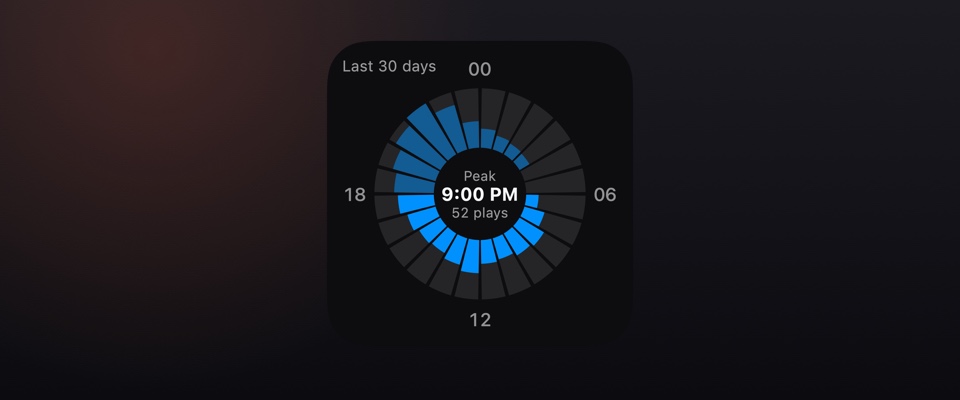
Twenty-four bars around a clock face, midnight at the top, each as long as that hour's plays, measured against your busiest hour, over the last 7 days, 30 days or all of your history, with the night hours see-through. Hover an hour for its plays and listening time. Reads NepTunes' own listening history, in macOS system blue, the color of the cover that's playing or any color you pick. Requires NepTunes 4.1.