
Desktop widgets for your music.
Drop a live, always-on widget anywhere on your desktop. Download any widget below, then open it with NepTunes to install it. Desktop widgets require NepTunes Pro.
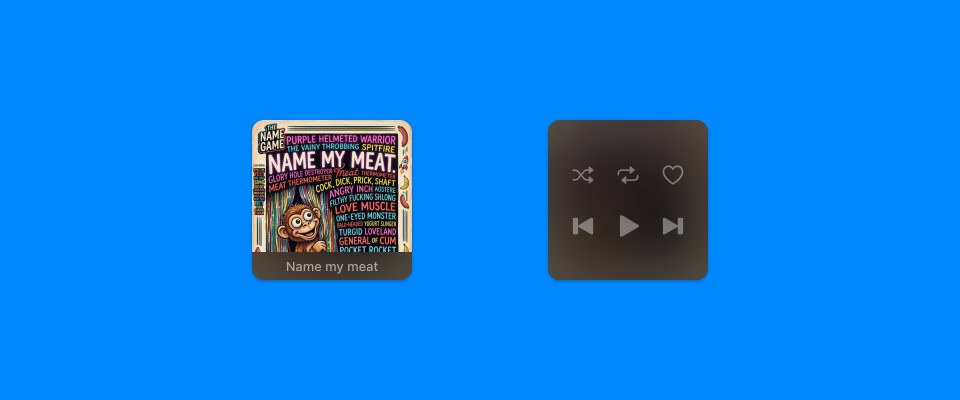
V3
Officialby Adam Różyński
The classic NepTunes 3 cover, back on your desktop.

Vinyl
Officialby Adam Różyński
A spinning vinyl record with the album art on the label.
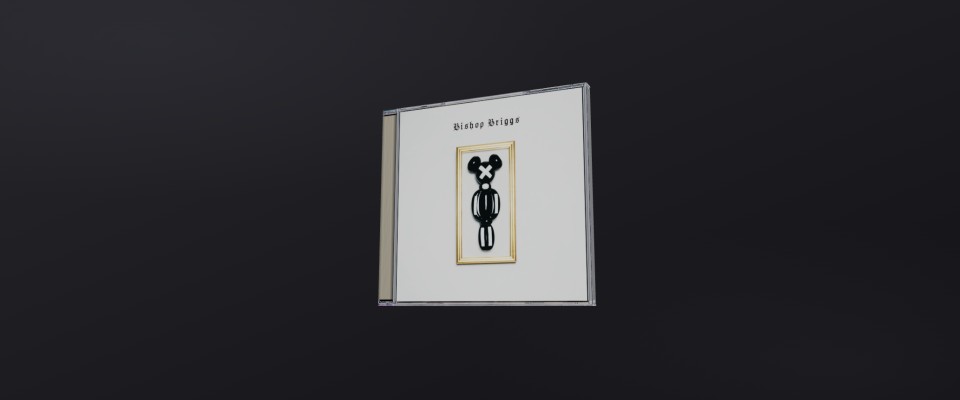
CD Case
Officialby Adam Różyński
The album you're playing as a real CD in a jewel case, in 3D.
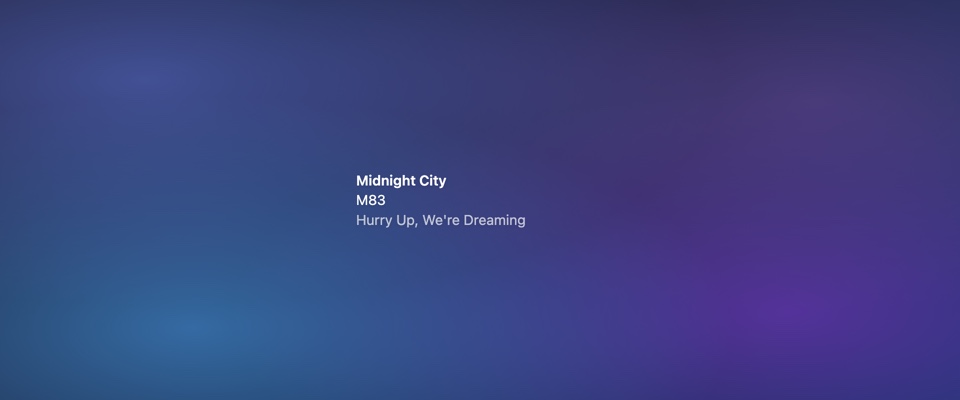
Minimal
Officialby Adam Różyński
Ultra-minimal text display with elegant typography.
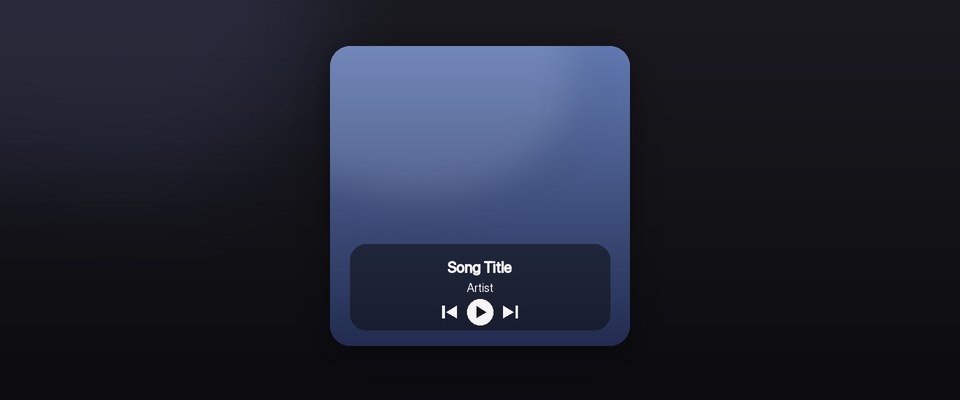
Glass
Officialby Adam Różyński
Full-bleed album art behind frosted glass.
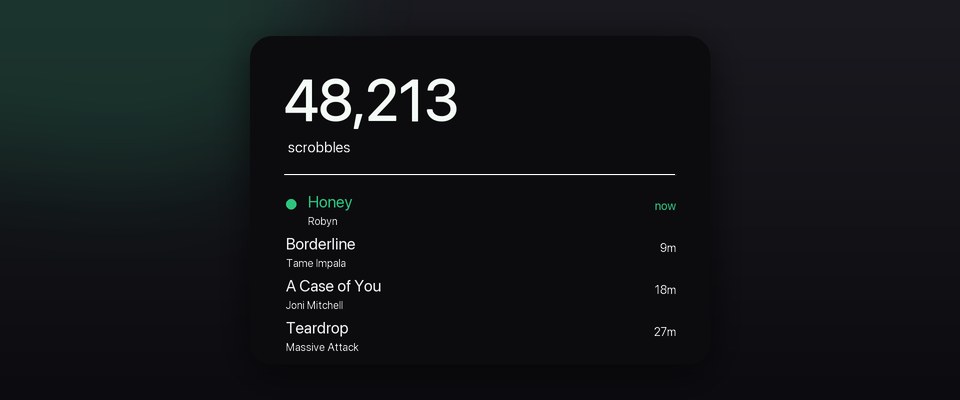
Scrobbles
Officialby Adam Różyński
Lifetime scrobble count and a live recent feed.
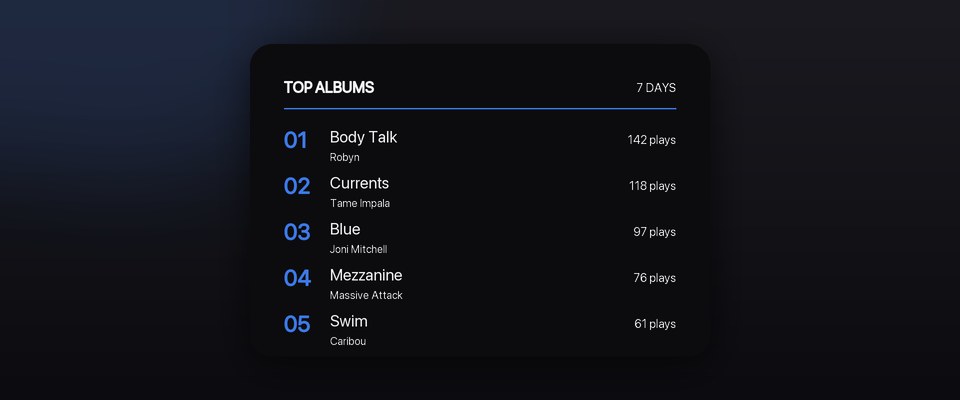
Charts
Officialby Adam Różyński
Your Last.fm top albums, artists or tracks.
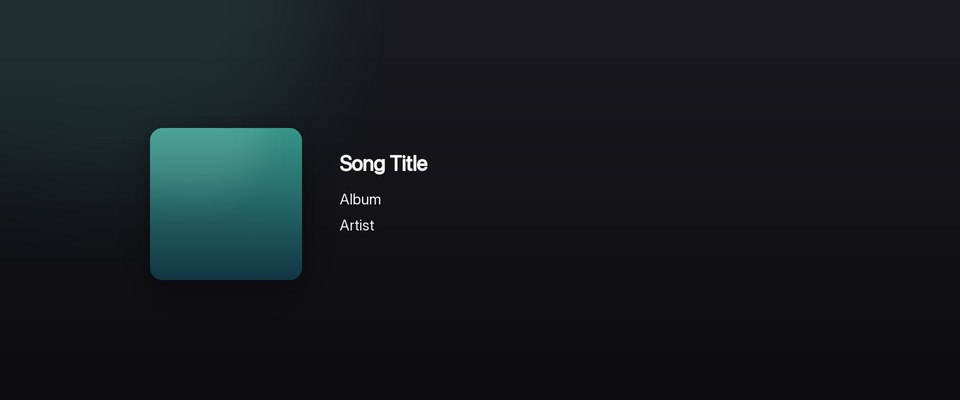
Sleeve
Officialby Adam Różyński
A floating album cover with the track beside it.
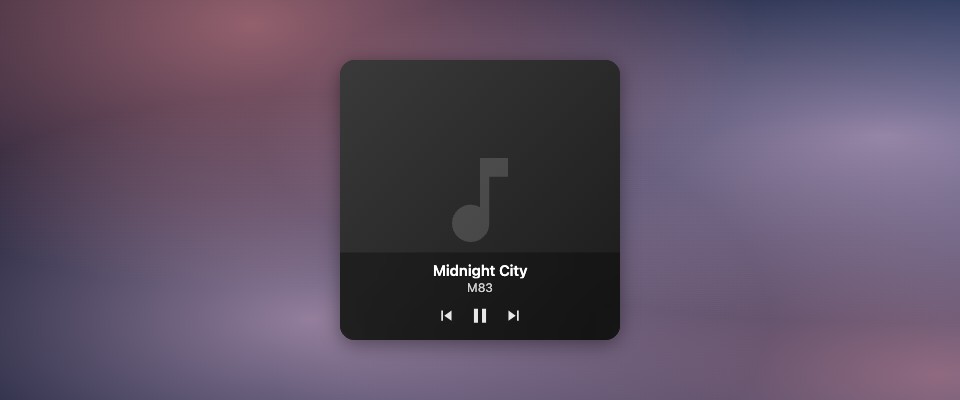
Artwork
Officialby Adam Różyński
Full album artwork with frosted-glass controls overlay.
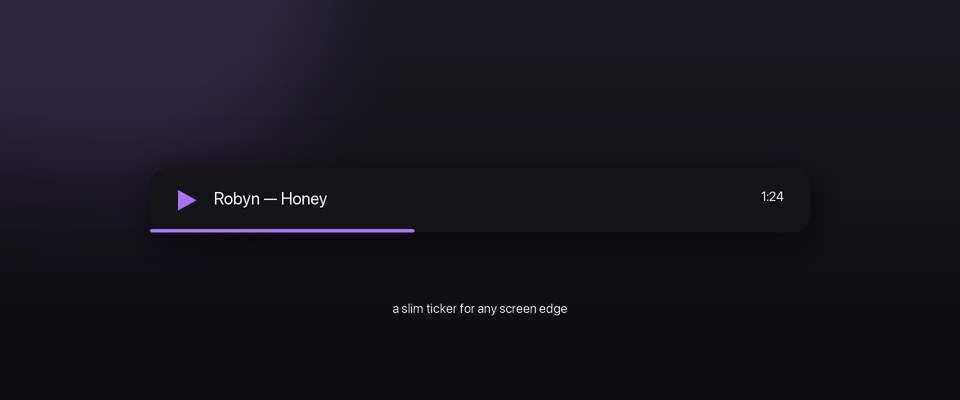
Strip
Officialby Adam Różyński
A slim now-playing ticker for a screen edge.
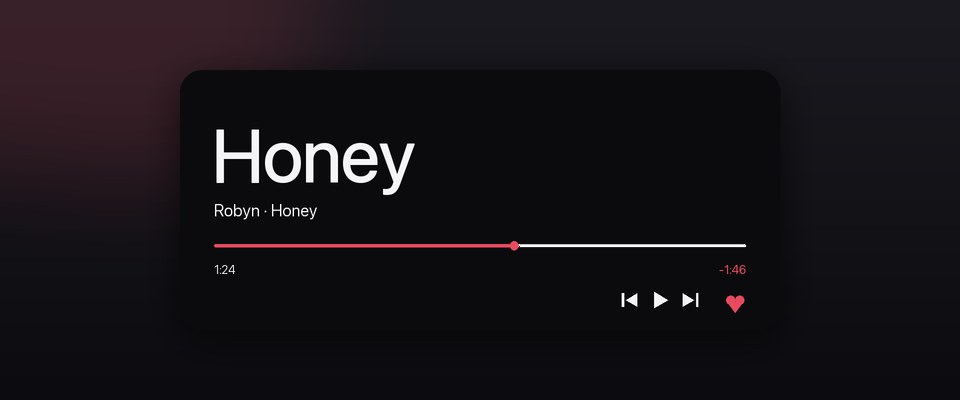
Headline
Officialby Adam Różyński
Big-type now playing with album-reactive color.
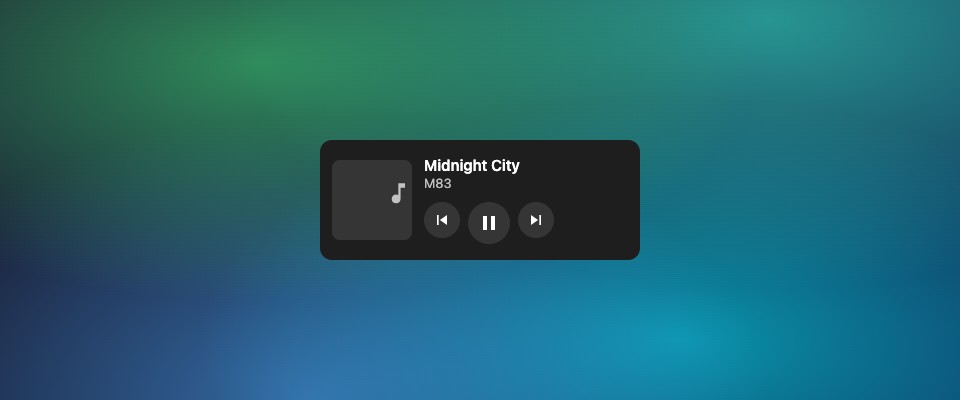
Now Playing
Officialby Adam Różyński
Current track with album artwork and playback controls.
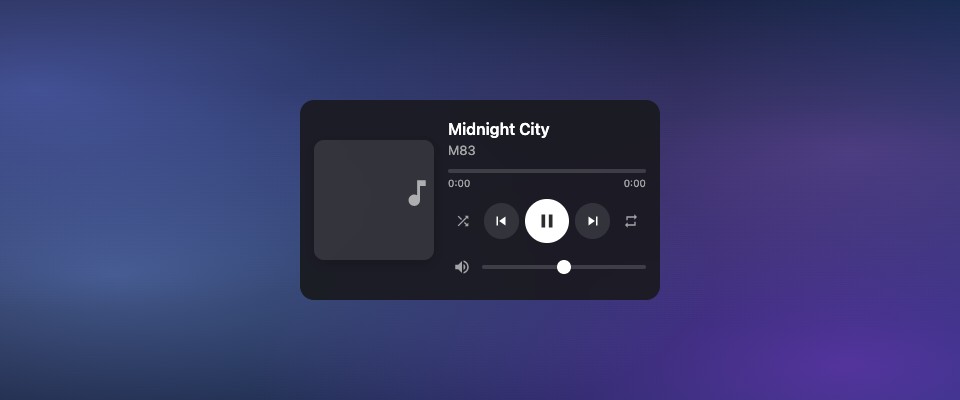
Full Player
Officialby Adam Różyński
Complete player with artwork, progress, volume and love.
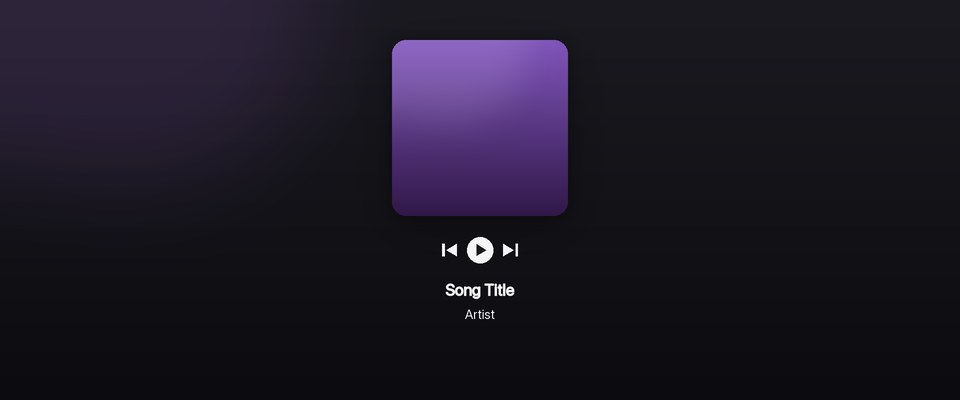
Stack
Officialby Adam Różyński
Album cover with controls and titles stacked below.
No widgets match your search.
Made something cool?
Share your widget with everyone. Submit it for review.