
← All widgets

Sleeve

Official

by Adam Różyński · v1.0.7

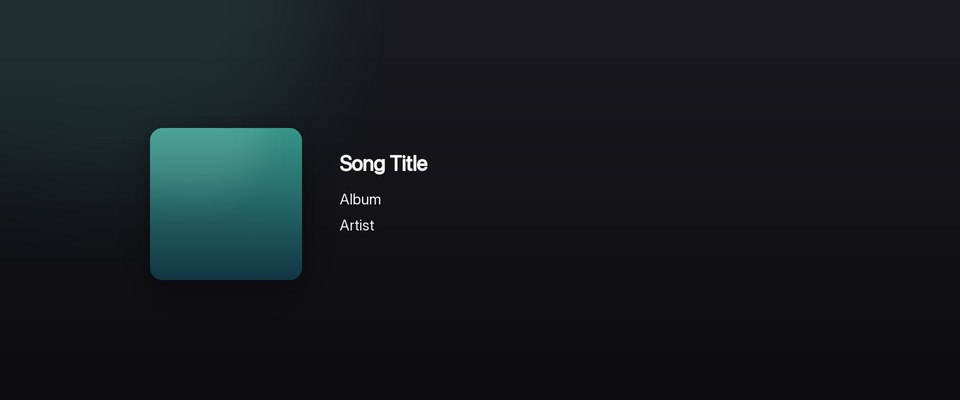
A floating album cover with the track beside it.

artwork

One click installs it straight into NepTunes, no unzipping. Don't have the app yet? It's free on the Mac App Store; you can also download the .zip and open it with NepTunes. Desktop widgets require NepTunes Pro.

Looking for widgets compatible with NepTunes 4.1? Visit the 4.1 gallery.
Sleeve screenshot

About this widget

The album cover floats straight on your wallpaper with the track set beside it. No card, no controls. Just the art and the essentials.

NepTunes on an older Mac

NepTunes 4 needs macOS 26 or later. If your Mac runs an earlier version, the App Store can still install the last NepTunes release that works on it.

  1. Open the App Store and click your name in the bottom-left corner.
  2. Find NepTunes in your apps and click the download button.
  3. When the App Store offers the last compatible version, click Download.

This only works if you’ve downloaded NepTunes before with the same Apple Account. Apple doesn’t offer older versions to new downloads. If that’s you, get in touch.