
Minimal
Officialby Adam Różyński · v1.5.1
Ultra-minimal text display with elegant typography.
One click installs it straight into NepTunes, no unzipping. Don't have the app yet? It's free on the Mac App Store; you can also download the .zip and open it with NepTunes. Desktop widgets require NepTunes Pro.
Looking for widgets compatible with NepTunes 4.1? Visit the 4.1 gallery.
About this widget
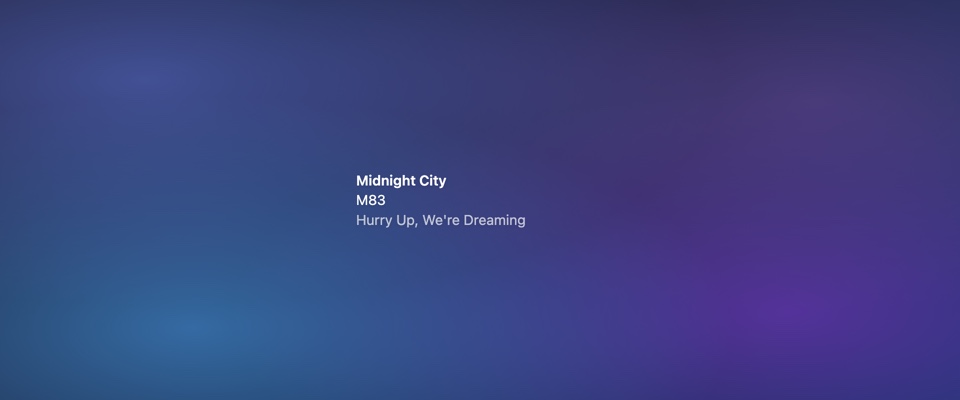
Title, artist and an optional album line in clean type, with an optional previous / play-pause / next row. Choose white, black or system text, alignment and shadow. The calmest way to keep an eye on what's playing.