← All 4.1 widgets

Minimal

Official

by Adam Różyński · widget v1.6.1 · requires NepTunes 4.1.0+

Ultra-minimal text display with elegant typography.

minimaltextcontrols

The install link opens NepTunes and installs this exact release. The ZIP is an immutable copy of v1.6.1. New to NepTunes? Get it free on the Mac App Store; you can also save the ZIP and open it with the app. Desktop widgets require NepTunes Pro.
Minimal screenshot

About this widget

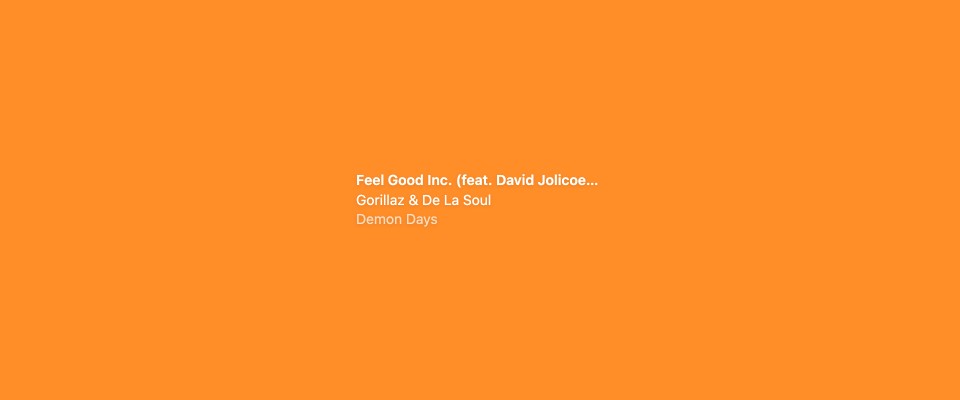
Title, artist and an optional album line in clean type, with an optional previous / play-pause / next row. Choose white, black or system text, alignment and shadow. The calmest way to keep an eye on what's playing.

NepTunes on an older Mac

NepTunes 4 needs macOS 26 or later. If your Mac runs an earlier version, the App Store can still install the last NepTunes release that works on it.

  1. Open the App Store and click your name in the bottom-left corner.
  2. Find NepTunes in your apps and click the download button.
  3. When the App Store offers the last compatible version, click Download.

This only works if you’ve downloaded NepTunes before with the same Apple Account. Apple doesn’t offer older versions to new downloads. If that’s you, get in touch.