

V3
Officialby Adam Różyński · widget v1.5.1 · requires NepTunes 4.1.0+
The classic NepTunes 3 cover, back on your desktop.
The install link opens NepTunes and installs this exact release. The ZIP is an immutable copy of v1.5.1. New to NepTunes? Get it free on the Mac App Store; you can also save the ZIP and open it with the app. Desktop widgets require NepTunes Pro.
About this widget
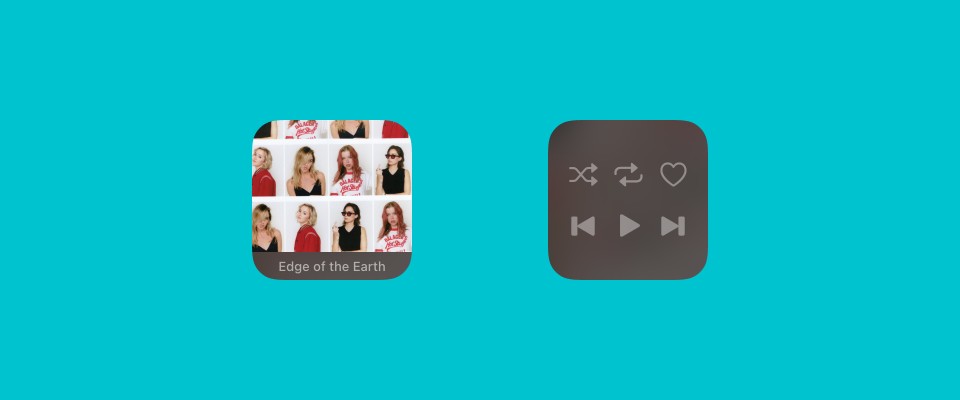
A faithful port of NepTunes 3's original theme: a square of album art with the title strip along the bottom. Hover to reveal shuffle, repeat, love and transport controls, scroll over the cover to change volume, swipe to change track, and double-click to bring the player forward. When the song changes, the info bar springs open to show the full title and artist, then settles back.